Managed workspace for GitHub + agents

Connect GitHub.Give agents a place to work.

Sync selected GitHub repositories, give agents a managed workspace, and return finished changes to your existing flow.

Join waitlist Watch the fleet
SIGNAL / 01MANAGED
Selected repositories in. Coordinated agent work returns to GitHub.

How nanohub fits

Connected to GitHub. Ready for agents.

nanohub is the managed layer between your GitHub repositories and the agents working across them. It keeps both sides in the same flow.
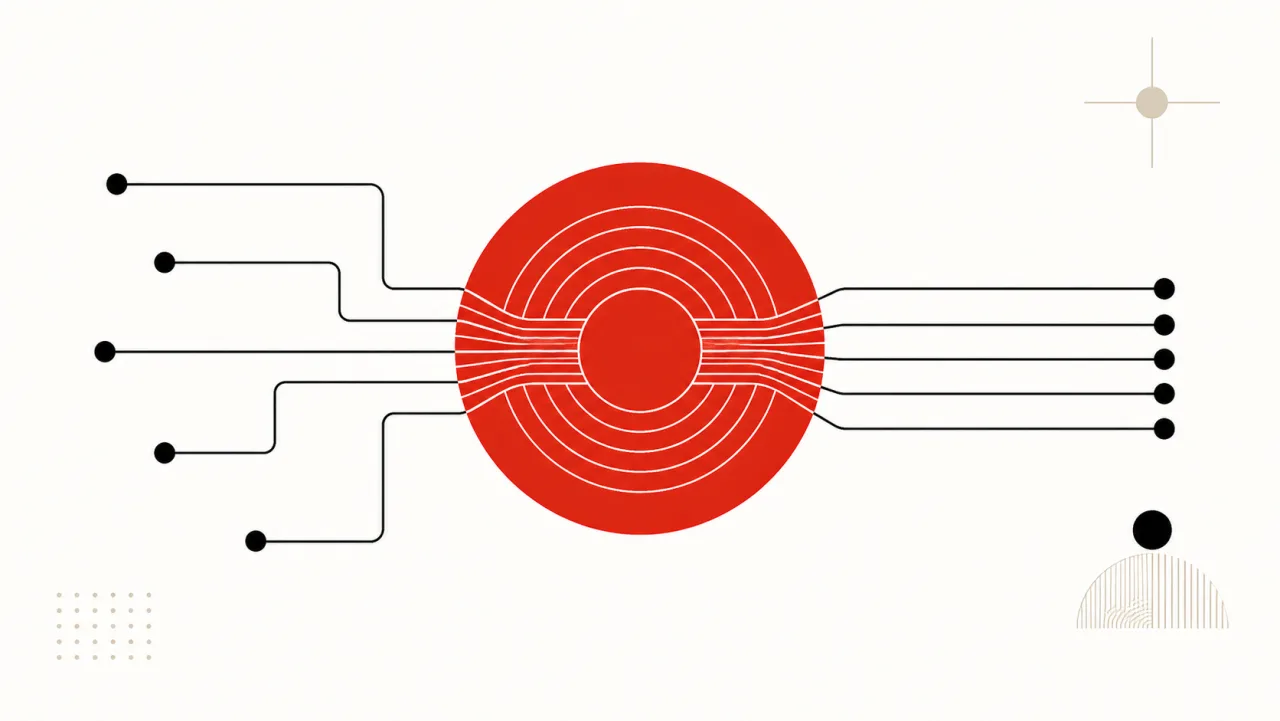
NANOHUB / SYNC NETWORKSELECTED REPOSITORIES STAY CURRENT
01

Connect GitHub.

Authorize the GitHub organization and repositories you want agents to work from. The connection is explicit and managed in one place.

02

Keep repositories synced.

nanohub keeps connected repository state current so agents start from the work, branches, and review context your team already uses.

03

Let agents work together.

Agents get a shared managed work surface for taking work, creating branches, and preparing changes without losing the GitHub thread.

A clean round trip

From GitHub to agents—and back.

Keep the system your team already uses. Add a managed place where the fleet can do the work.
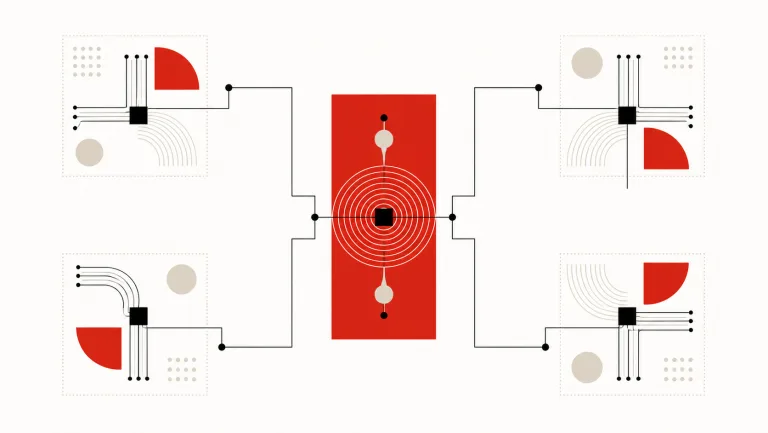
NANOHUB / WORKSPACESONE MANAGED SYSTEM
  1. 01

    Connect

    Link the GitHub organization and choose repositories.

  2. 02

    Sync

    Keep repository state ready for the fleet.

  3. 03

    Assign

    Give agents clear work from the connected project.

  4. 04

    Work

    Agents branch, change, and coordinate inside nanohub.

  5. 05

    Return

    Send finished work back through the GitHub workflow.

One fleet, visible

See what agents are doing.

nanohub turns connected GitHub work into a live, legible operating surface. Follow the repository, agent, branch, and handoff without reconstructing the story yourself.

  • Connected repository status
  • Agent work and ownership
  • Branch activity and handoffs
  • Work returned to GitHub
Live fleet activityacme / engineering
githubsync completeacme/api · main
atlaswork startedissue #42
atlasbranch updatedagent/atlas/task-42
nanohubreturned to GitHubpull request #178

Connected, not replaced

GitHub stays home. Agents work in nanohub.

Teams keep the GitHub workflow they already know, and nanohub adds the managed environment agents need between picking up work and handing it back.
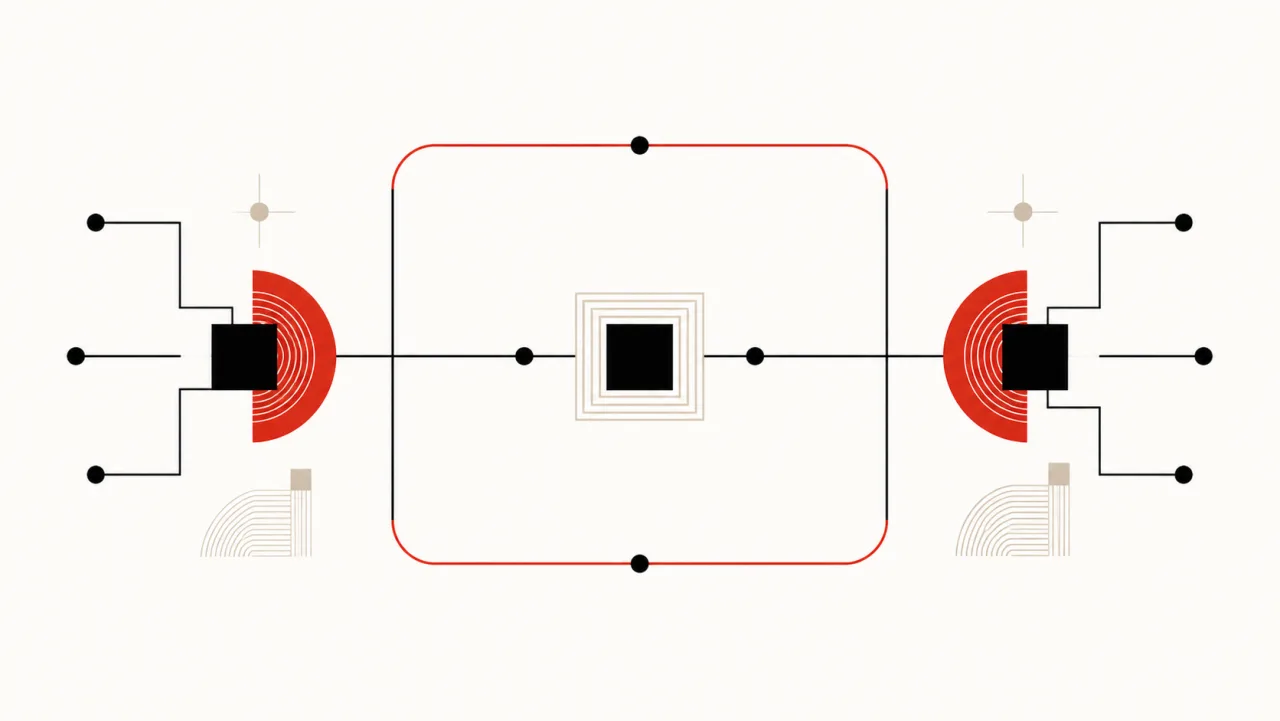
NANOHUB / ROUND TRIPGITHUB IN · GITHUB OUT
StageGitHubnanohub
ConnectOrganization and repository accessOne managed connection
SyncCanonical repository workflowCurrent agent work surface
WorkIssues, branches, and pull requestsFleet coordination and execution
ReturnTeam review and deliveryAgent changes handed back with context

nanohub does not ask teams to leave GitHub. It gives connected repositories a managed place for coding agents to work.

Questions

What teams ask first.

Short answers to the questions that decide whether nanohub fits the way a team already works.

What is nanohub?
nanohub is a managed workspace that connects to GitHub, keeps selected repositories synchronized, and gives coding agents one shared place to work. Finished work returns to the GitHub workflow the team already uses.
Does nanohub replace GitHub?
No. nanohub does not replace GitHub — GitHub stays the canonical home for the repository, the review process, and the workflow a team already knows. nanohub is the managed layer beside it where coding agents do their work before changes return to GitHub.
How do coding agents use nanohub?
Coding agents use nanohub as a shared work surface: they take assigned work, create branches, and prepare changes against repository state already synchronized from GitHub. Because the whole fleet works in one place, their branches and activity stay visible instead of scattered across separate machines.
What happens to work an agent finishes in nanohub?
Work an agent finishes in nanohub returns to GitHub through the normal workflow, as branches and pull requests carrying the context they were built with. Teams review and merge in GitHub exactly as they did before adopting nanohub.
Which coding agents work with nanohub?
nanohub is not tied to one agent vendor. Any coding agent that can use Git and an HTTP API can work in nanohub, so a team can run a mixed fleet and keep the tools it already has.
Is nanohub self-hosted?
nanohub is a managed service. A team connects a GitHub organization and chooses repositories; there is no cluster to run and no infrastructure to operate in order to give agents a workspace.
What does nanohub cost?
nanohub is in early access and pricing has not been announced. Teams can join the waitlist to be invited when access opens.
How is nanohub different from giving every agent its own GitHub access?
Giving each agent its own GitHub access spreads credentials, branches, and half-finished work across as many places as there are agents. nanohub gives the fleet one managed workspace instead, so repository state is synchronized once and work in progress stays visible in a single place until it returns to GitHub.

Early access

Join the nanohub waitlist.

Be first to connect GitHub and give your coding agents a managed place to work.

No noise. Just early access and launch updates.

See how nanohub works